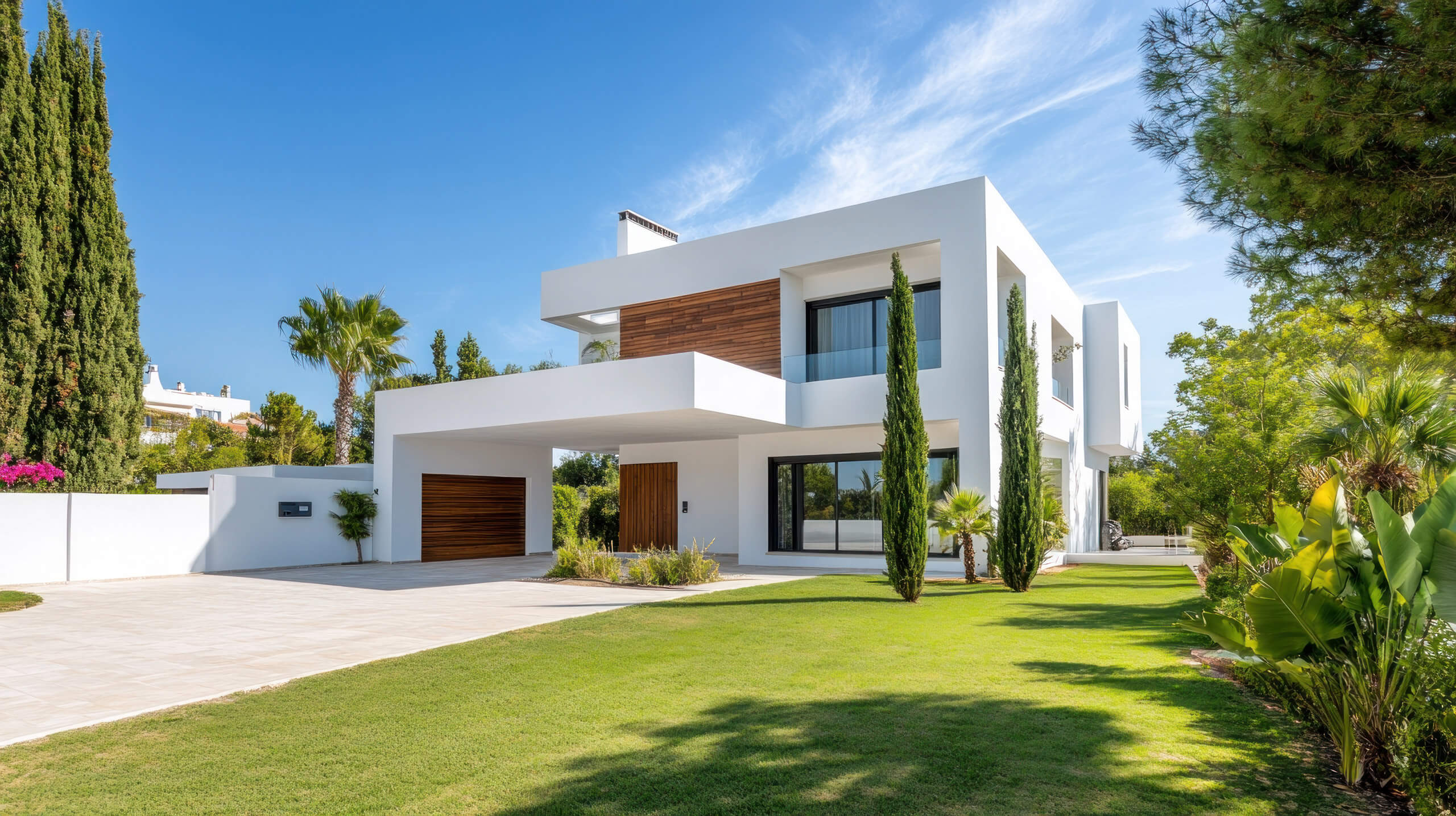
Illustrative product preview with fictional property and agency details.
Your listings can do more.
You already have the photos. And the facts. propscreen brings them together in a presentation that fits your properties, without laying out every listing by hand.
Your properties come through the connection configured in propstudio.
From listing to presentation.
You choose what to show. propscreen sets the stage.
Your inventory. Your choice.
Pick individual properties or use filters to assemble your selection. Photos and property data come from your existing connection.
Less duplicate data entry.
Property selection1
HAMBURG · FOR SALERoom for a new perspective.
124 m²4 RoomsProperty selected
Inventory via propstudio
Good content. Great design.
Photo, listing details or gallery: propscreen selects suitable slides based on the content available. Colors, fonts and your logo make the result your own.
The right layout, without the manual work.
Your design
Manrope
W.WESTENDReal estate
HAMBURG · FOR SALE
Room for a new perspective.
Clean architecture, light-filled spaces and a garden to come home to.
124 m²Living area
4Rooms
€495,000Purchase price
westend.exampleExample property
Colors, type and logo, working together.
Preview it. Then put it on screen.
Check your selection, then publish it to a connected display. In a client meeting, present the same content at your own pace.
One inventory for both settings.
W.WESTENDReal estate
HAMBURG · FOR SALE
Room for a new perspective.
124 m²Living area
4Rooms
€495,000Purchase price
westend.exampleExample property
Ready for the screen
Preview before publishing
Property selection1
HAMBURG · FOR SALERoom for a new perspective.
124 m²4 RoomsProperty selected
Inventory via propstudio
Your design
Manrope
W.WESTENDReal estate
HAMBURG · FOR SALE
Room for a new perspective.
Clean architecture, light-filled spaces and a garden to come home to.
124 m²Living area
4Rooms
€495,000Purchase price
westend.exampleExample property
Colors, type and logo, working together.
W.WESTENDReal estate
HAMBURG · FOR SALE
Room for a new perspective.
124 m²Living area
4Rooms
€495,000Purchase price
westend.exampleExample property
Ready for the screen
Preview before publishing
See for yourself.
One listing, different presentations. Switch slides and see what a change in design can do.
W.WESTENDReal estate
HAMBURG · FOR SALE
Room for a new perspective.
Clean architecture, light-filled spaces and a garden to come home to.
124 m²Living area
4Rooms
€495,000Purchase price
westend.exampleExample property
Example view: Details. Color palette: Chalk.
Explore the preview
Illustrative product preview with fictional property and agency details.
One presentation. Two stages.
Catch attention outside. Open up possibilities inside.
W.WESTENDReal estate
HAMBURG · FOR SALE
Room for a new perspective.
124 m²Living area
4Rooms
€495,000Purchase price
westend.exampleExample property
Automatic playback
Make passersby take a look.
Large photos, clear facts and automatic slide changes put your properties on display. The presentation adapts to the actual screen area.
Automatic playback
Portrait and landscape
Manage displays centrally
Good to know.
The essentials before your first presentation.
Where do my properties come from?
propscreen uses the property inventory connected to your agency through propstudio. Manage the connection there, then choose which properties to include in your presentation here.
What does my screen need?
A display or screen with a suitable, up-to-date browser and an internet connection. Connect the device to propscreen and assign a published presentation. Check playback on your actual device before putting it into use.
Do my listings stay up to date?
You decide when the inventory is fetched again. The default interval is six hours. New or changed property data is reflected in the presentation after the next fetch.
Can I use my own design?
Yes. Use templates or create designs with your colors, fonts and logo. Custom designs and video are available depending on your plan. Check the preview before publishing.
How can I try propscreen?
Sign in through propstudio. Company-wide usage appears above the lists. PropScreen Free includes one showcase TV and one display with PropScreen branding. Contract managers manage further plans and suites centrally through Manage plan in the account menu.
Show what you have.
Your properties are the beginning. Make them a presentation worth seeing.